PrestaShop · wb_livechat · v1.0.0
WhatsApp Contact Widget: Documentation
Add a configurable floating WhatsApp contact button with popup message, label, position and spacing controls to your PrestaShop store.
Documentation, compatibility and installation
Documentation status: 11 August 2026. Details are based on the current package and installed module code. Always use a backup and staging test before an update.
Version and compatibility
| Module name | wb_livechat |
|---|---|
| Current version | 1.0.0 |
| PrestaShop | PrestaShop 1.7, 8 and 9 |
| PHP | PHP version supported by the installed PrestaShop release |
Module visual and live demo
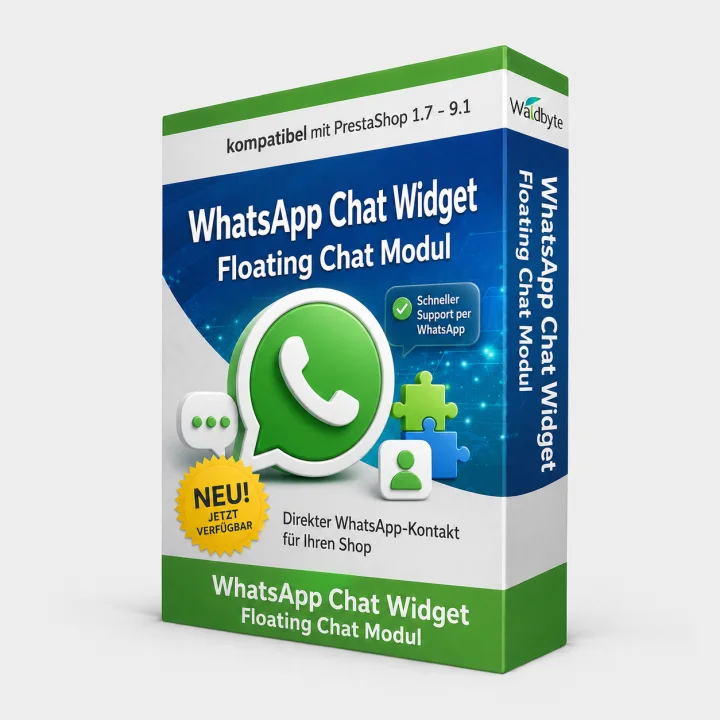
Open the live shop implementation
What problem does it solve?
Customers often want a quick answer before buying, but a standard contact page creates friction. WB LiveChat WhatsApp adds a floating contact widget to product and storefront pages and opens a WhatsApp conversation with your configured number.
Features
- Configure the WhatsApp phone number, popup message and button label.
- Choose the floating button position and bottom offset.
- Enable or disable the widget from the module settings.
- Generate a prefilled WhatsApp chat URL from the visitor’s click.
Compatibility
Compatible with PrestaShop 1.7, 8 and 9. PHP compatibility follows your PrestaShop release. The widget is multilingual through the shop context and should be tested in each multistore theme. The module does not store chat messages in PrestaShop.
External service and privacy
Before a visitor clicks, the module only renders a button in the shop. Clicking sends the visitor to WhatsApp and WhatsApp may process the visitor’s data under its own terms and privacy policy. Disclose this external link in your privacy notice.
Included, licence and support
Version 1.0.0, module ZIP and configuration documentation are included. One shop licence is included unless the offer states otherwise. Updates and support follow the period shown on this page. Support covers configuration and reproducible module defects; WhatsApp account issues, custom development and legal advice are excluded.
Installation and initial setup
- Back up shop files and database, then install the module ZIP in Module Manager.
- Enter the phone number in international format, message and button label.
- Choose placement and bottom offset so cookie, chat or accessibility controls are not covered.
- Test the link, prefilled message and desktop/mobile presentation.
Troubleshooting
- The widget is invisible: verify activation, phone number and the header/displayBeforeBodyClosingTag hooks.
- WhatsApp opens without a number: save digits with country code only and remove formatting characters.
- The widget overlaps another control: change placement or bottom offset and test mobile breakpoints.
For any error, preserve PrestaShop and PHP logs, document the exact steps and reproduce the behaviour without cache in staging.
Version and changelog
- 1.0.0 – Initial release of the documented module version.
Related pages
WALDBYTE
Support for this PrestaShop module
Send the module version, PrestaShop version, PHP version and reproducible error details. Do not include credentials in the first message.
Select the services you need. Waldbyte will review your details and prepare an individual, non-binding cost estimate.