PrestaShop · wbproductvideo · v1.0.0
Floating Product Video: Documentation
Show MP4, WebM or OGV videos in a floating picture-in-picture window on home, category and product pages with flexible playback settings.
Documentation, compatibility and installation
Documentation status: 11 August 2026. Details are based on the current package and installed module code. Always use a backup and staging test before an update.
Version and compatibility
| Module name | wbproductvideo |
|---|---|
| Current version | 1.0.0 |
| PrestaShop | PrestaShop 1.7, 8 and 9 |
| PHP | PHP follows PrestaShop; server must support video uploads and the selected formats |
Module visual and live demo
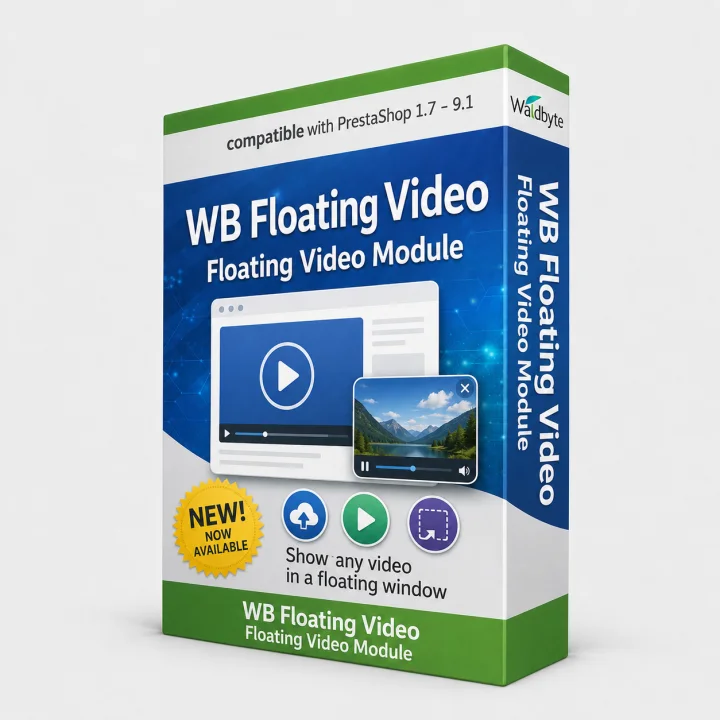
Open the live shop implementation
What problem does it solve?
Product demonstrations are easy to miss when they are buried below the main content. WB Product Video Preview displays a compact floating video window so visitors can see product or campaign previews while browsing.
Features
- Upload MP4, WebM and OGV video files to your shop.
- Enable videos on the homepage, category pages and product pages.
- Assign a selected video to a product and choose the display context.
- Configure autoplay, loop, muted playback, controls, width and screen position.
- Manage uploaded videos and remove obsolete files from the back office.
Compatibility
Compatible with PrestaShop 1.7, 8 and 9. PHP compatibility follows your PrestaShop release and server video support. The module is multilingual through the shop context; test each multistore theme and browser. Video files are served by your shop server.
Data, external services and licence
The module stores uploaded video files and assignment settings on your server and does not contact a video-hosting service by itself. Browser playback may create normal server access logs. Version 1.0.0, ZIP and configuration documentation are included. One shop licence is included unless the offer states otherwise. Updates and support follow the period shown on this page. Support covers configuration and reproducible module defects, not video production, encoding or theme customisation.
Installation and initial setup
- Back up shop files and database, then install the module.
- Upload an MP4, WebM or OGV file and enable the required placement.
- Assign the video to the homepage, category or individual products.
- Configure autoplay, loop, muted playback, controls, width and position.
- Verify loading time, mobile presentation, browser support and controls.
Troubleshooting
- The video does not autoplay: browsers usually require muted autoplay; enable muted playback.
- The video is missing: check module activation, page type, assignment and displayBeforeBodyClosingTag.
- Upload fails: verify PHP/web-server limits, format and upload-directory permissions.
For any error, preserve PrestaShop and PHP logs, document the exact steps and reproduce the behaviour without cache in staging.
Version and changelog
- 1.0.0 – Initial release of the documented module version.
Related pages
WALDBYTE
Support for this PrestaShop module
Send the module version, PrestaShop version, PHP version and reproducible error details. Do not include credentials in the first message.
Select the services you need. Waldbyte will review your details and prepare an individual, non-binding cost estimate.