PrestaShop · wb_blog · v1.0.0
PrestaShop Blog Module: Documentation
Add a structured blog to PrestaShop with posts, categories, tags, authors, comments, galleries, sliders, RSS and sitemap tools.
Documentation, compatibility and installation
Documentation status: 11 August 2026. Details are based on the current package and installed module code. Always use a backup and staging test before an update.
Version and compatibility
| Module name | wb_blog |
|---|---|
| Current version | 1.0.0 |
| PrestaShop | PrestaShop 1.7, 8 and 9 |
| PHP | PHP version supported by the installed PrestaShop release |
Screenshot and live implementation
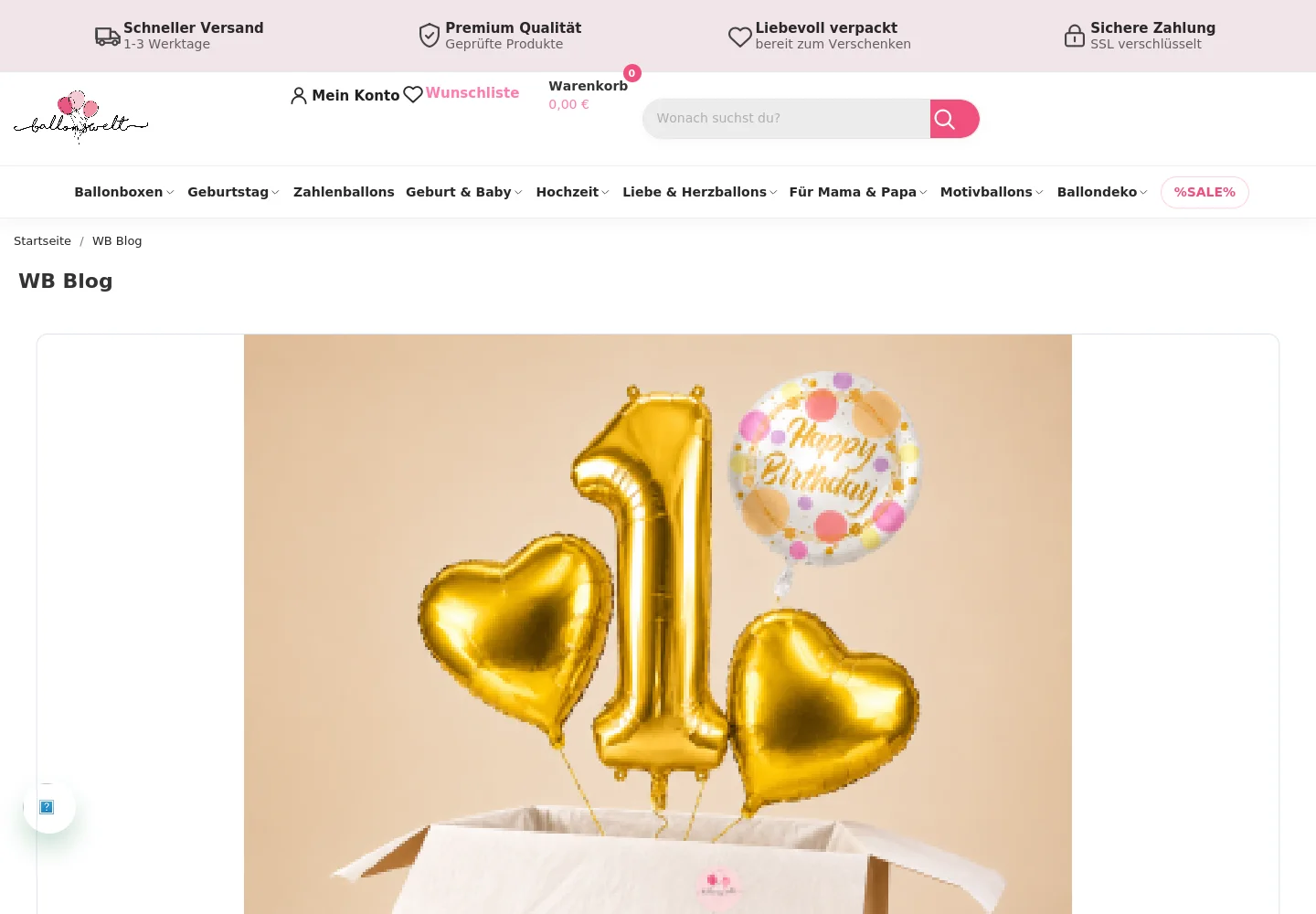
What problem does it solve?
PrestaShop does not include a complete editorial blog in the standard product catalog. WB Blog adds a maintainable publishing area so you can publish SEO content, tutorials, news and product stories without a separate CMS.
Features
- Create multilingual posts, categories, tags and authors.
- Use post galleries, featured images, homepage blocks and sliders.
- Moderate comments, publish RSS and generate a blog sitemap.
- Configure clean blog routes and SEO metadata for posts and categories.
- Use standard PrestaShop back-office permissions and shop context.
Compatibility
Compatible with PrestaShop 1.7, 8 and 9. PHP compatibility follows the PHP versions supported by your selected PrestaShop release; test custom themes and overrides before production. Multilingual content is supported. Multistore shop-context testing is recommended for each shop.
Included
Version 1.0.0, the module ZIP, documentation and source translations. One shop licence is included unless the product offer states otherwise. Updates and support are provided for the period shown on this product page; renewal is optional and follows the published terms.
Data and external services
The module stores the blog content, authors, comments and settings in your PrestaShop database. It does not contact an external analytics or advertising service by itself. RSS and sitemap output are generated by your shop.
Support
Support covers documented configuration and reproducible module defects in a supported standard environment. Custom development, installation on third-party code and theme conflicts are not included. Screenshots and documentation are supplied with the product; check the product gallery for the current preview.
Installation and initial setup
- Back up shop files and database, then upload the ZIP in Module Manager.
- Install WB Blog and review general settings, homepage blocks, slider, RSS and sitemap.
- Create at least one category and author, then publish a multilingual test post.
- Verify the blog index, post page, canonical, internal links and sitemap output before launch.
Troubleshooting
- Blog URLs return 404: verify friendly URLs and rewrite configuration, clear cache and reload module routes.
- Posts are absent from the homepage: check publication state, language, category, homepage option and the displayHome hook.
- Posts are missing from the sitemap: verify the module and sitemap hook, then rebuild the sitemap.
For any error, preserve PrestaShop and PHP logs, document the exact steps and reproduce the behaviour without cache in staging.
Version and changelog
- 1.0.0 – Initial release of the documented module version.
Related pages
WALDBYTE
Support for this PrestaShop module
Send the module version, PrestaShop version, PHP version and reproducible error details. Do not include credentials in the first message.
Select the services you need. Waldbyte will review your details and prepare an individual, non-binding cost estimate.